ATMOSFAR Tips and Tricks: 15 Things Worth Knowing
Fifteen ATMOSFAR tips that save fuel, power and hulls: lift budgets, Wasp parking, scrap hauling, weather reads and the camp habits that keep runs alive.
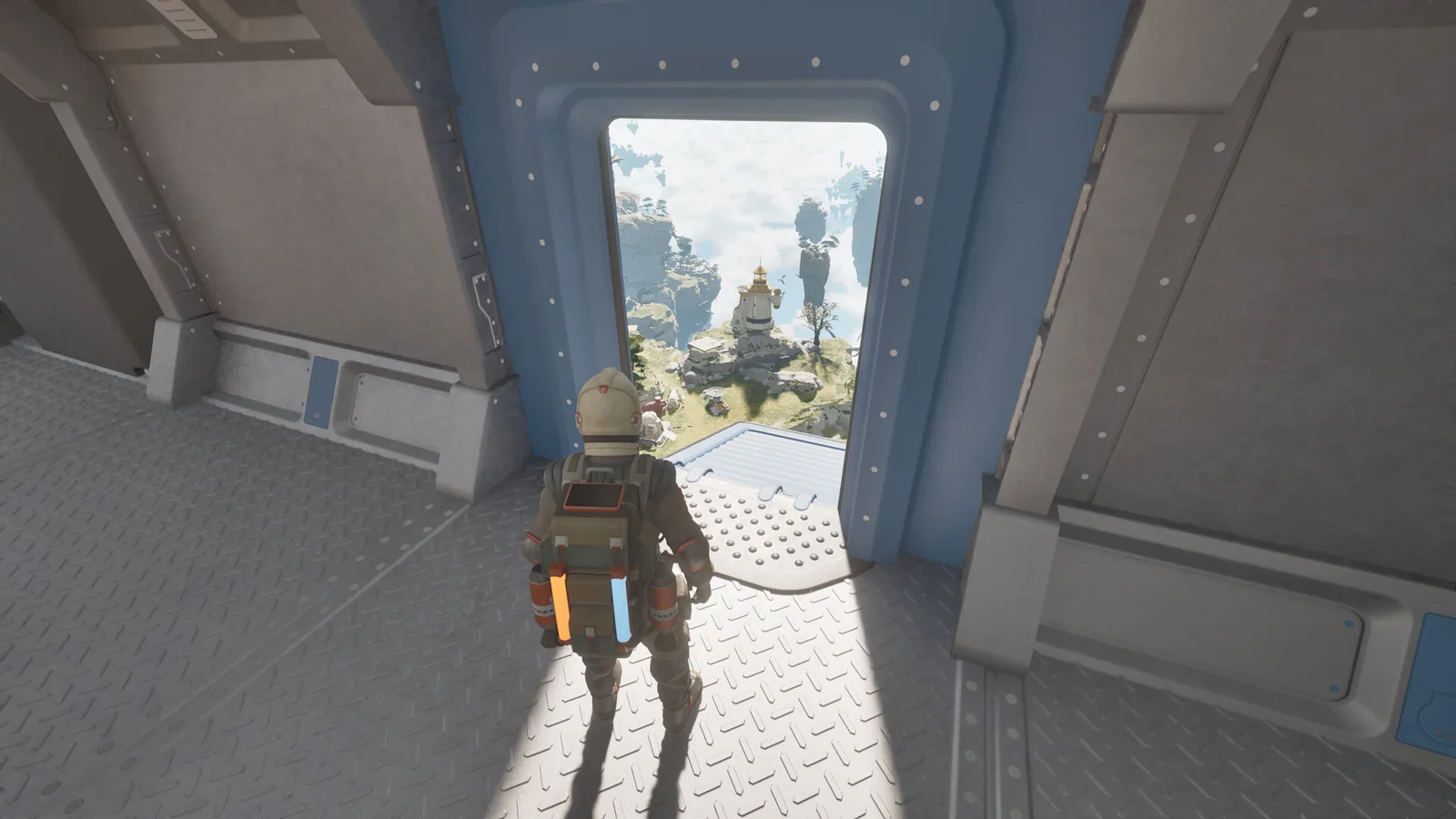
ATMOSFAR punishes improvisation less than it punishes poor bookkeeping. Track three numbers — power units per second, fuel remaining, and lift versus weight — and most disasters become ordinary logistics.
ATMOSFAR is generous with ideas and stingy with explanations. These are the habits and small discoveries that make the Early Access build feel less like a fight with the interface and more like an expedition.
Flight and fuel
1. Treat half a tank as empty. Liquid hydrogen is bulky, and the nearest refinery is often behind a mountain. The extra margin is what lets you divert around a storm instead of flying through it. Refuel after every trip, not before the next one.
2. Climb before you cross open sky. Altitude gives you options: a longer glide, a better view of landing spots, and distance from ground-based AA turrets. It also costs fuel, so climb once and stay high rather than yo-yoing.
3. Watch the sky before the fuel gauge. Rain, thunderstorms, fog and jet streams all change how the craft handles. When the light goes strange and the sky starts humming, land. The buzzing anomaly interferes with electronics, and flying through it is how you lose a ship.
4. Repair dents early. A damaged hull burns more fuel and handles worse. One welder session after a rough landing is cheaper than a long flight with a leaking tank.
5. Use the horn and lights more than you think. They are not cosmetic. Position lights and floodlights make your ship visible to co-op partners in cloud, and the horn moves animals off a landing pad before you commit.
Camp and power
6. Build the Camp Hub before the campfire. The hub is the power spine; everything else is a load on it. A camp with a fire and no charge is a camp you have to abandon at night.
7. Do the power math once per session. Add the draw of every device you leave running, multiply by the hours you will be away, and compare it with battery capacity. If the number is close, turn something off. The Camp Hub guide has a worked example.
8. Put the tent on the downwind side of the fire. Smoke and flame are lighting, not heating. You want the tent close enough to be convenient and far enough that a spreading campfire does not become the story of your run.
9. Pack up instead of rebuilding. The Camp Hub is designed to be packed up and carried by the Utility Wasp. If you are moving to a new island for more than a session, take the camp with you rather than leaving a dead battery behind.
10. Solar panels are daytime infrastructure. They refill while you are out, which makes them excellent for a camp you return to at dusk. They are not a substitute for a charged battery on a night expedition.
Ships and construction
11. Add lift before you add rooms. Every hull part and piece of furniture adds weight. Lift is paid for in power, and power is paid for in reactor cores. Expanding the hull first and solving the power problem later is how a beautiful ship becomes a permanently docked one.
12. Build from the outside with the jetpack hose. While you are shaping the Cloud Cruiser, your jetpack plugs into the ship's fuel supply. You can hover indefinitely and build with friends at the same time. Use it — it turns hull work from a chore into a group activity.
13. Keep one Wasp pad free. A pad is not just parking; it is a maintenance bay. Docked Wasps can be refuelled from the ship's tanks and charged from its power. If every pad is full of trophies, your working craft has nowhere to recover.
14. Steal the diagnostics unit idea for your own checklist. The diagnostics module reports power generation, consumption, total fuel, lift, reactor cores, docked Wasps and hull damage. Even before you build one, check those seven things before a long flight.
Loot and progression
15. Mark large scrap instead of hauling it badly. The Hauler's magnetic crane and cargo slots exist for a reason. Drop a waypoint on a wreck you cannot process, come back with the right craft, and feed it to the material processor. Large pieces can also contain blueprints, clues and historical remains, so they are worth a second trip.
Three habits that separate a good run from a short one
- Land with a plan. Pick your next landing spot from the air, check the slope, and approach into the wind if the weather is marginal.
- Never leave base with an empty inventory slot budget. You need room for scrap, seeds and artifacts. Half a cargo hold of junk is better than a full one when you find something rare.
- Write down what you need. ATMOSFAR's crafting chain is wide. A short list of missing components prevents the classic loop of flying home with the wrong ore.
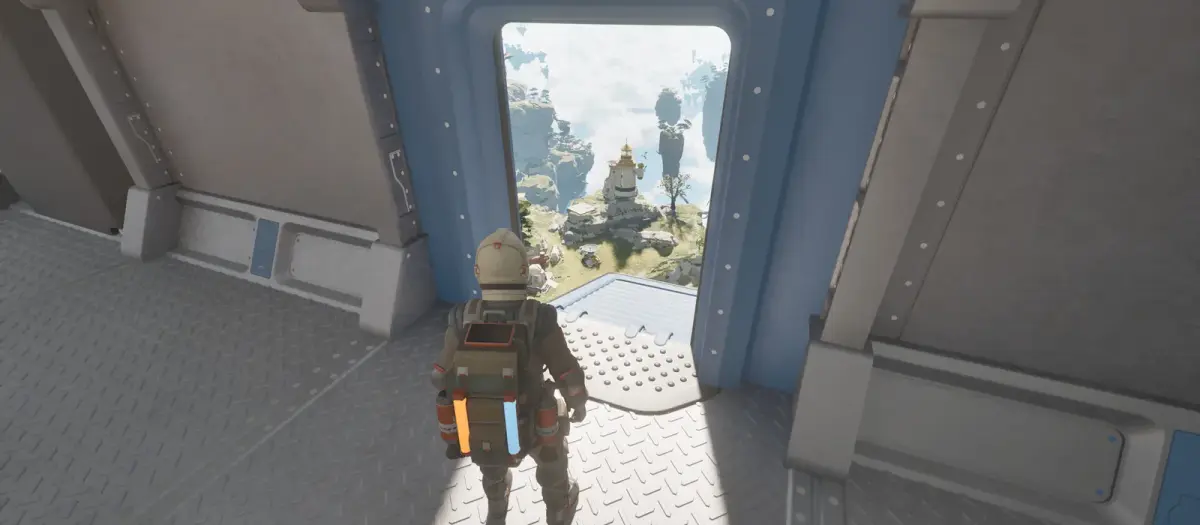
Early Access footage from Tycos. Screenshots: Apog Labs / SHUEISHA GAMES.
FAQ
Does difficulty change the tips? The core loop is the same. Higher difficulty tightens resources rather than changing the rules, so fuel and power discipline matter more, not differently.
Are there codes or free items? No verified ATMOSFAR codes exist at the time of writing. Treat any site offering generators as untrustworthy.
What is the single biggest new-player mistake? Leaving the starting island without a charged backpack and a fuel plan. Everything else is recoverable; being stranded over open sky usually is not.
Should I play co-op or solo first? Solo first, for one or two hours, so you learn the power and fuel loops. Then bring friends; a second player makes hull construction and scrap hauling dramatically faster.
Sources
- ATMOSFAR on Steam — store description, system requirements and Early Access notes.
- ATMOSFAR Steam news hub — patch notes and developer posts.
- ATMOSFAR official site — Apog Labs announcements and media.
Related reading: ATMOSFAR Beginner Guide: Your First Hours on Tycos and ATMOSFAR Airship Building: Hull, Lift and Weight.
Source note: mechanics and figures in this guide follow the Early Access build available on 30 October 2026, cross-checked against the ATMOSFAR Steam page and Apog Labs developer posts.
More ATMOSFAR Guides
How crafting works in ATMOSFAR: crafting table, research desk unlocks, blueprint sources, material processing and the order to build tools and ship parts.
The animals, plantimals and machines that end ATMOSFAR runs: Screechers, Blisterbacks, Traproots, PACE drones and AA turrets, with counters for each.
The ATMOSFAR Early Access roadmap: Vagabond, Rime, Blue Side and Singularity updates, the Scout Wasp, the third region, 1.0 timing and launch content.
Find ATMOSFAR hydrogen crystals near geysers, harvest them safely, haul them with the Hauler and turn them into liquid hydrogen before your Wasp runs dry.
Run an ATMOSFAR hydrogen refinery without draining your camp: power draw, cold storage at -253°C, field vs ship refining, siphon top-ups and common failures.
How the ATMOSFAR map works: the floating layers of Tycos, where Caligo Cays sits, what Early Access includes and how to navigate without a full map.
ATMOSFAR released on 29 October 2026 in Steam Early Access at $24.99, with a 10% launch discount to $22.49. Platforms, editions and what comes next.
A practical map of ATMOSFAR resources: scrap, circuit boards, hydrogen crystals, wood, food, water, artefacts and cores, with where to look for each.